How-to steps
Embedding the Signapse Plugin on your site.
Important: Don’t add script directly to your footer.php or header.php template file. This might cause conflicts with your theme, other plugins or WordPress Core. Instead use dedicated plugins to insert custom JavaScript to your site. We recommend the following plugin, but others will work as well:
- You’ll receive your custom-built Script Tag from one of our team members. It will look like the example below
Script Tag
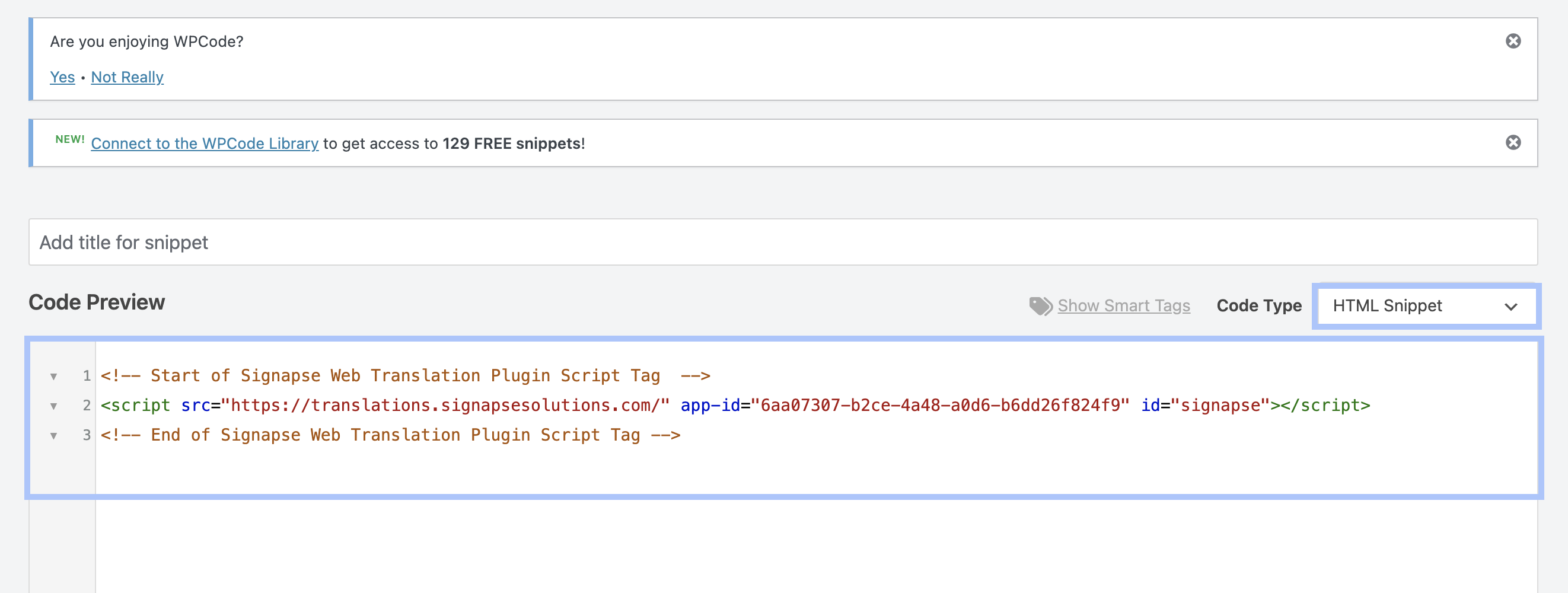
<!-- Start of Signapse Web Translation Plugin Script Tag  -->
<script src="https://translations.signapsesolutions.com/" app-id="6aa07307-b2ce-4a48-a0d6-b6dd26f824f9" id="signapse" version="v2"></script>
<!-- End of Signapse Web Translation Plugin Script Tag -->- Install WPCode – Insert Headers and Footers plugin: https://wordpress.com/plugins/insert-headers-and-footers
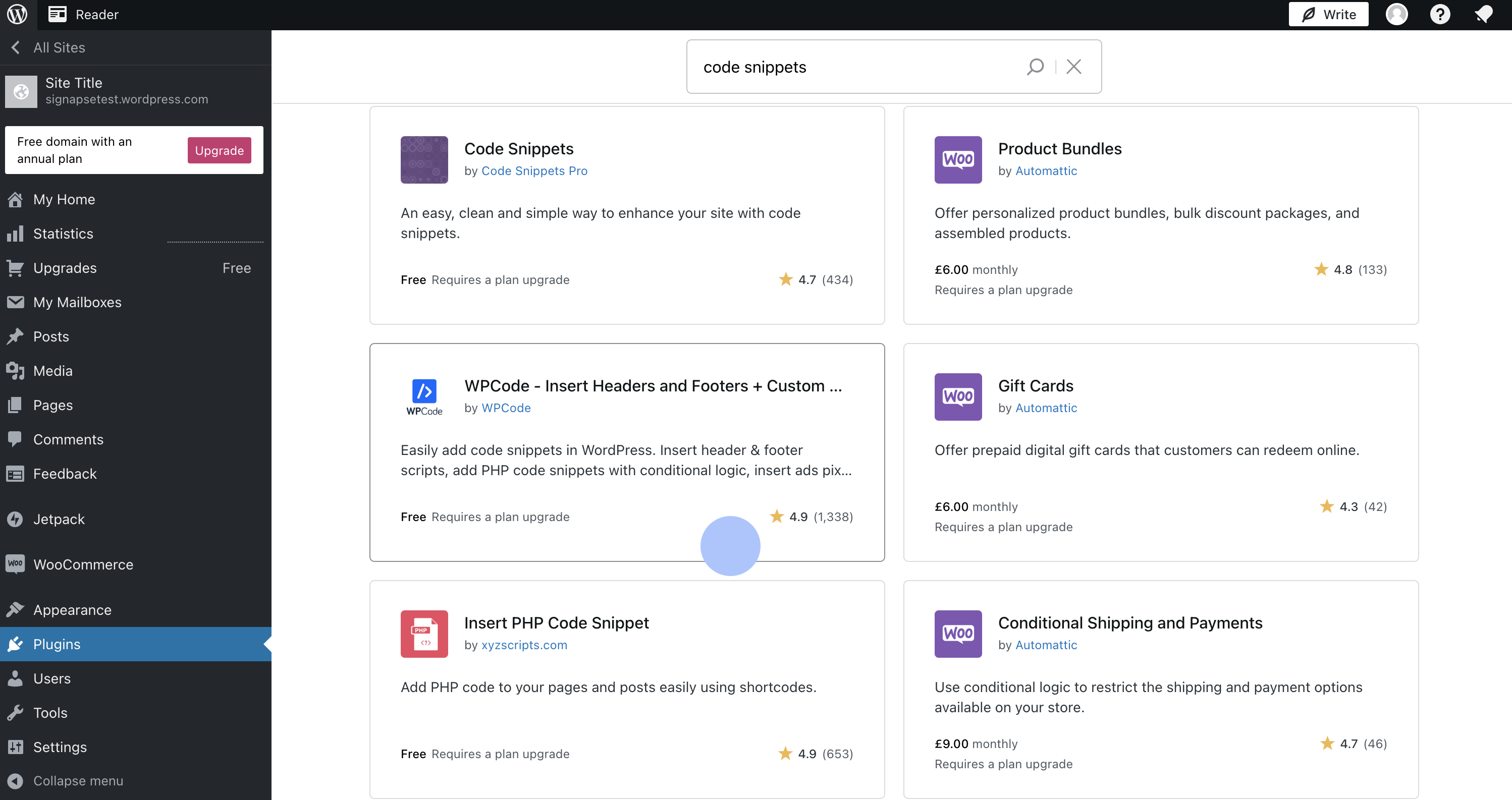
- Select Code Snippets plugin from the side bar and press + Add Snippet
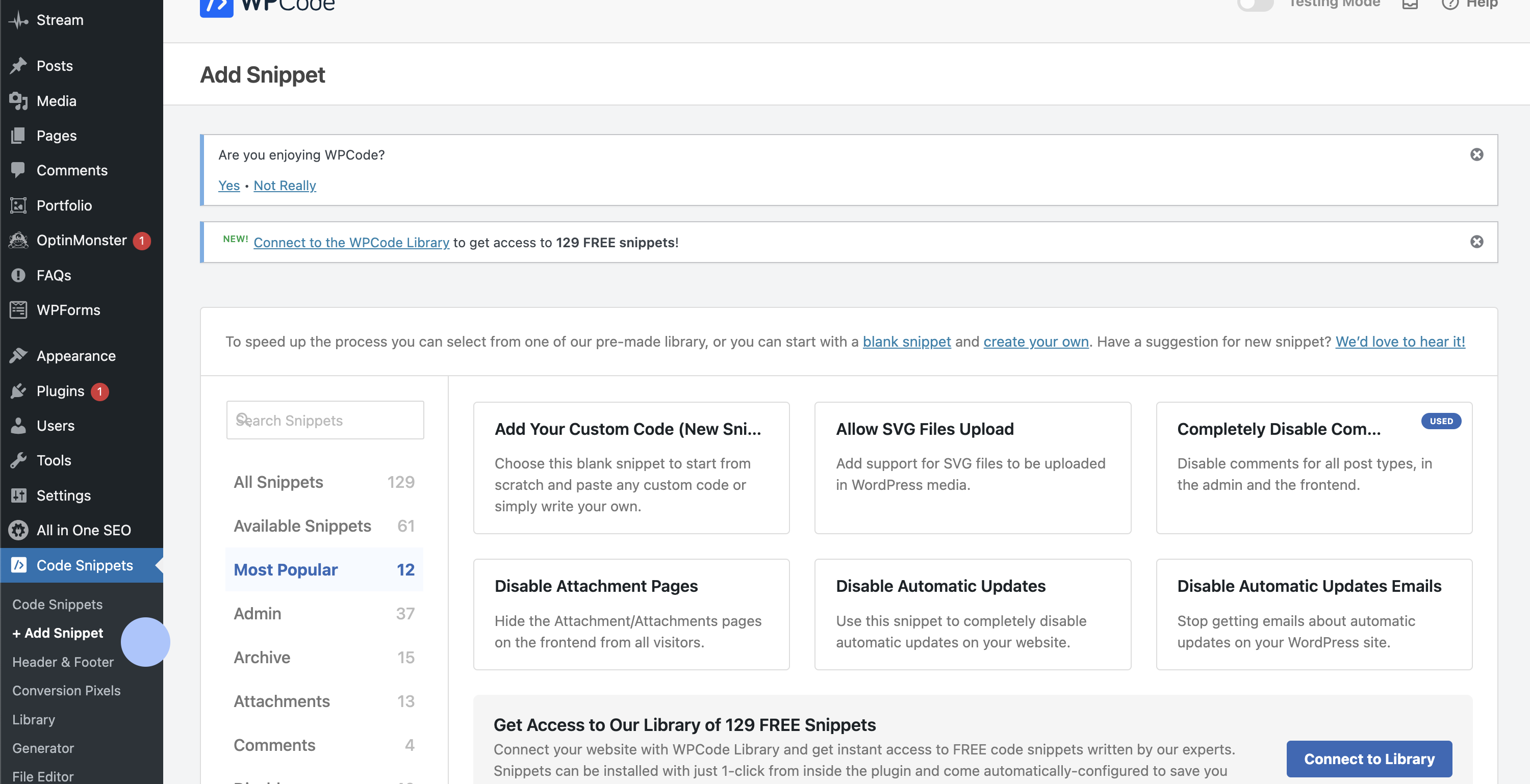
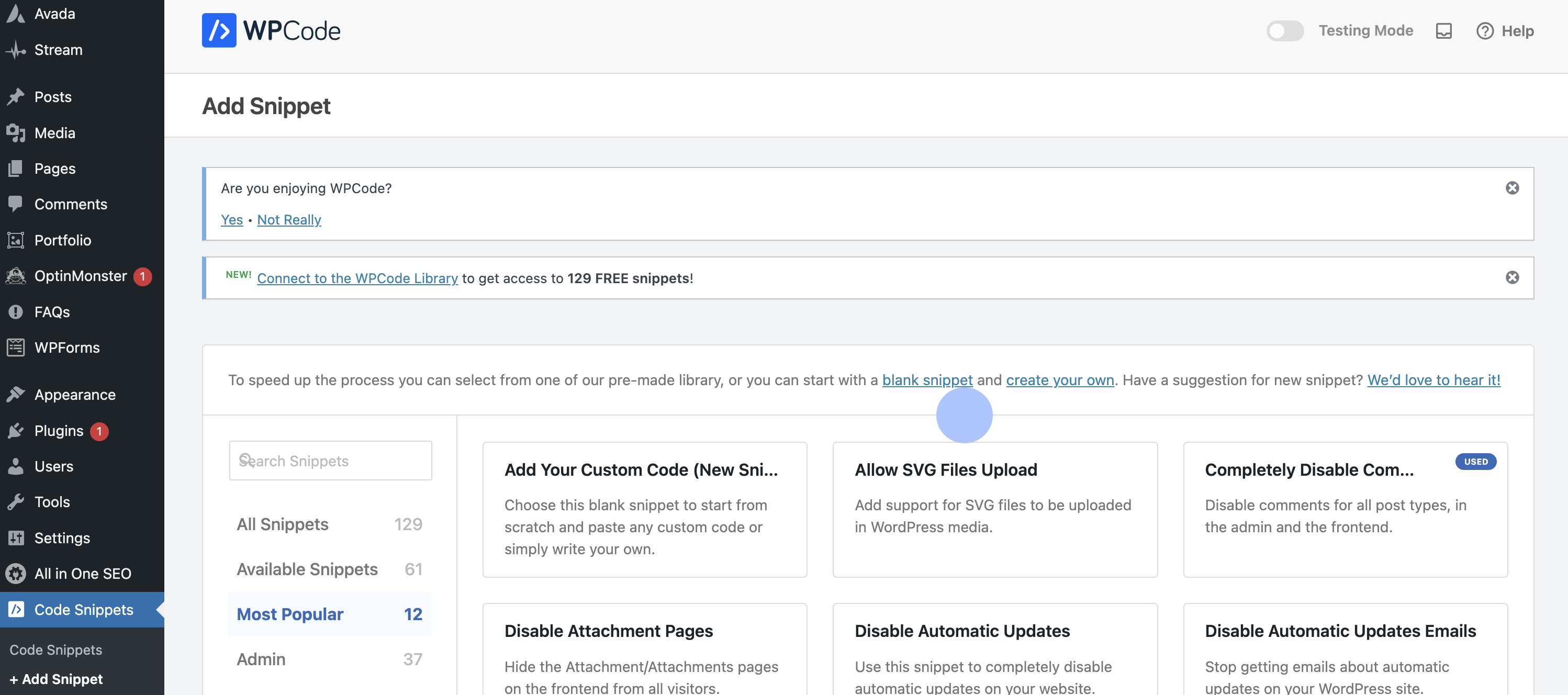
- Press blank snippet
- Add title
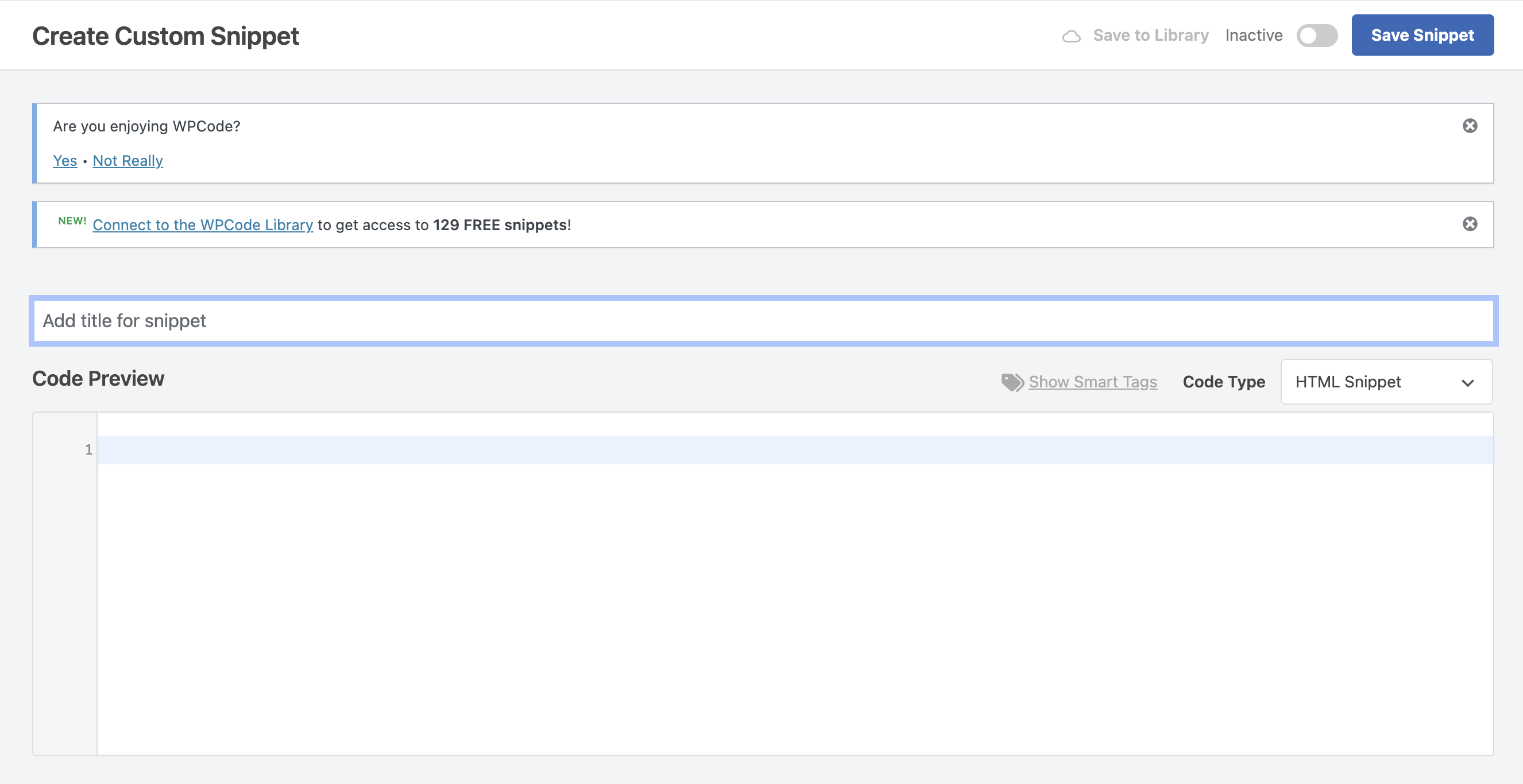
- Select HTML Snippet and past in the provided snippet
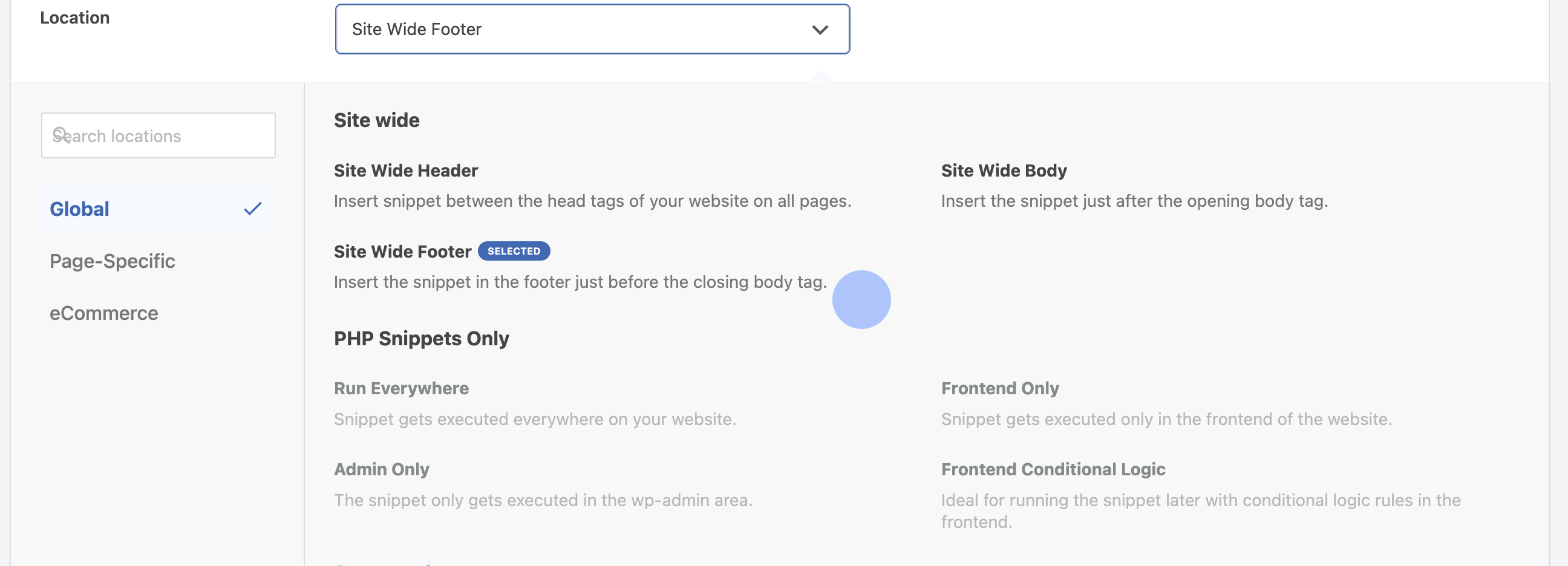
- Select Side Wider Footer
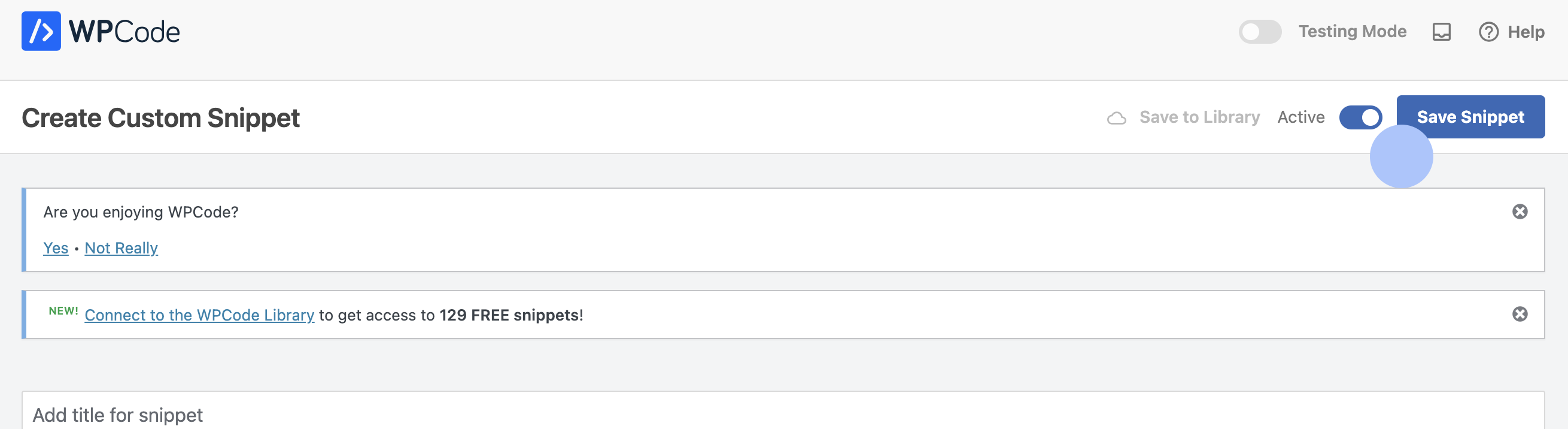
- Toggle Snippet to Active and press Save Snippet
Support
If you have any issues or questions, please contact us at support@signapse.ai.
Last updated on